AHA Stack を試したい(2) Astro編
 kenp
kenpとりあえず、Astro から
環境について
- OS:widndows11
- JavaScript実行環境:node.js
- エディタ:Visual Studio Code
まずはインストール
npm create astro@latestいろいろ設定してからの起動
npm run devからのアクセス
http://localhost:4321/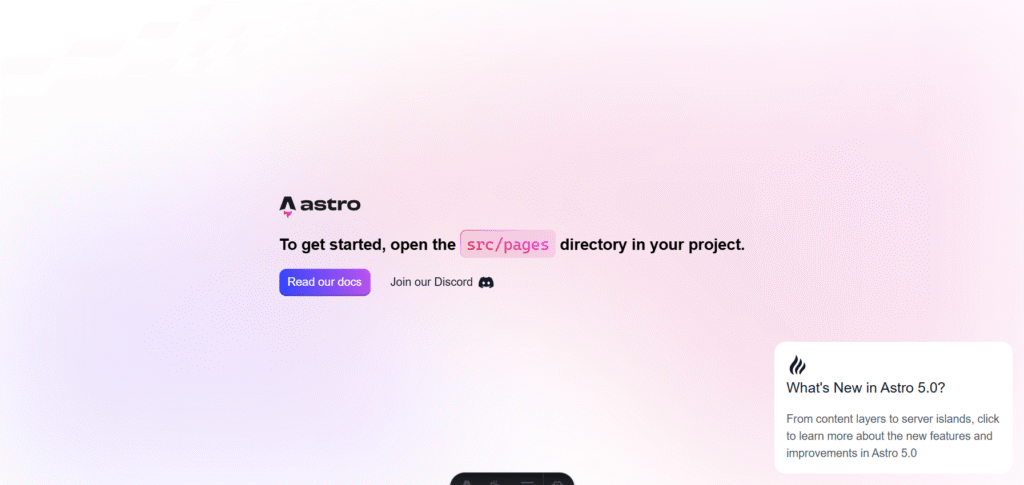
とりあえずページにアクセス出来ました。
これからページをいじっていこうと思います。
公式ページのチュートリアルのコードを試してみます。
src/pages/index.astro の中身を見るとさっそくチュートリアルと異なっています。
コード的には、<Welome /> 部分の変えてみたいので、Mypageにしたいと思います。
おそらく components の中にMypage.astroを作ればよいのでしょう。
---
import Welcome from '../components/Welcome.astro';
import Layout from '../layouts/Layout.astro';

// Welcome to Astro! Wondering what to do next? Check out the Astro documentation at https://docs.astro.build
// Don't want to use any of this? Delete everything in this file, the `assets`, `components`, and `layouts` directories, and start fresh.
---

<Layout>
	<Welcome />
</Layout>
なんかコンソールにエラーが出ていますが、、気にせずサーバーを再起動してアクセス
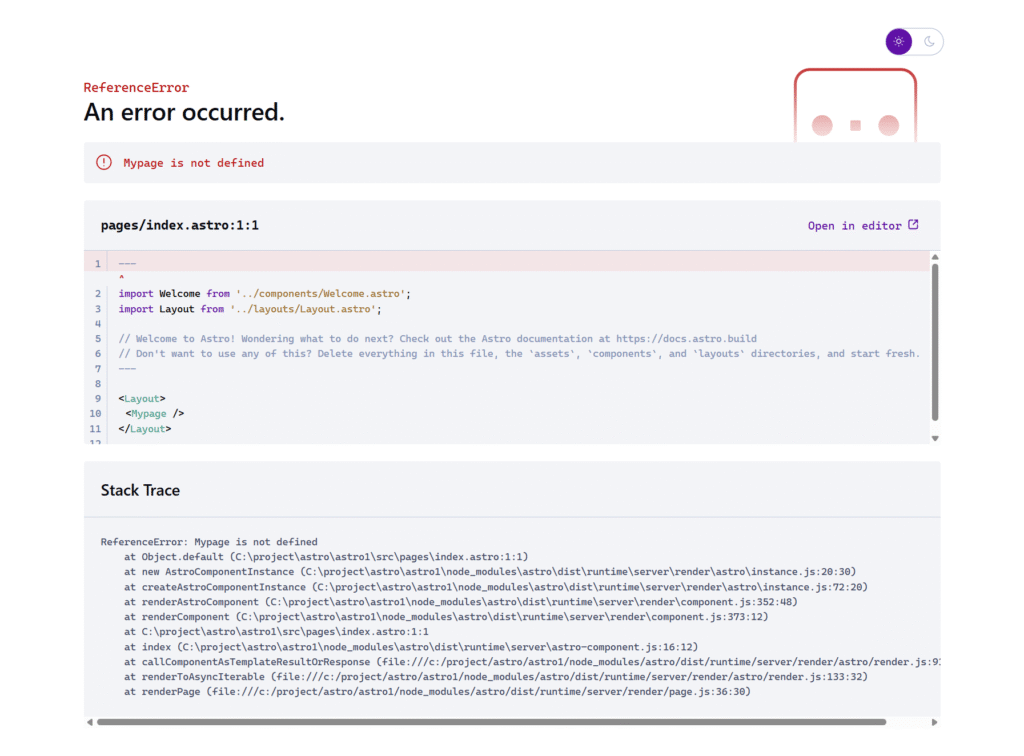
結果は、、やっぱり駄目ですね。Mypageが定義されていないとのこと。
1行目でWelcomeコンポーネントが定義してあったので、同様にMypageこんぽーネットを定義してあげる必要があるようです。
\ 最新情報をチェック /